Four Webflow limitations worth knowing early
Real user accounts. Webflow has memberships, and they are fine for gating a page or a download. Anything with roles, permissions, a dashboard, or a user who sees a different site from the next user outgrows it quickly and awkwardly — and that single answer is also the biggest driver of what an app costs.
Data that belongs to a person. Saved items, order history, a quote that has to still be there next Tuesday. Once something must persist per user and be edited by them, you are describing an application with a website attached, not a website.
Search and filtering at scale. A few dozen collection items filter beautifully. A few thousand, across several facets, with sensible sorting, does not, and the failure is gradual, so it usually gets discovered after the content is already in.
A second system that has to answer in real time. One integration is routine. Being the front end of a live booking engine, an ERP or a pricing service is a different job, and the platform will fight you for it.
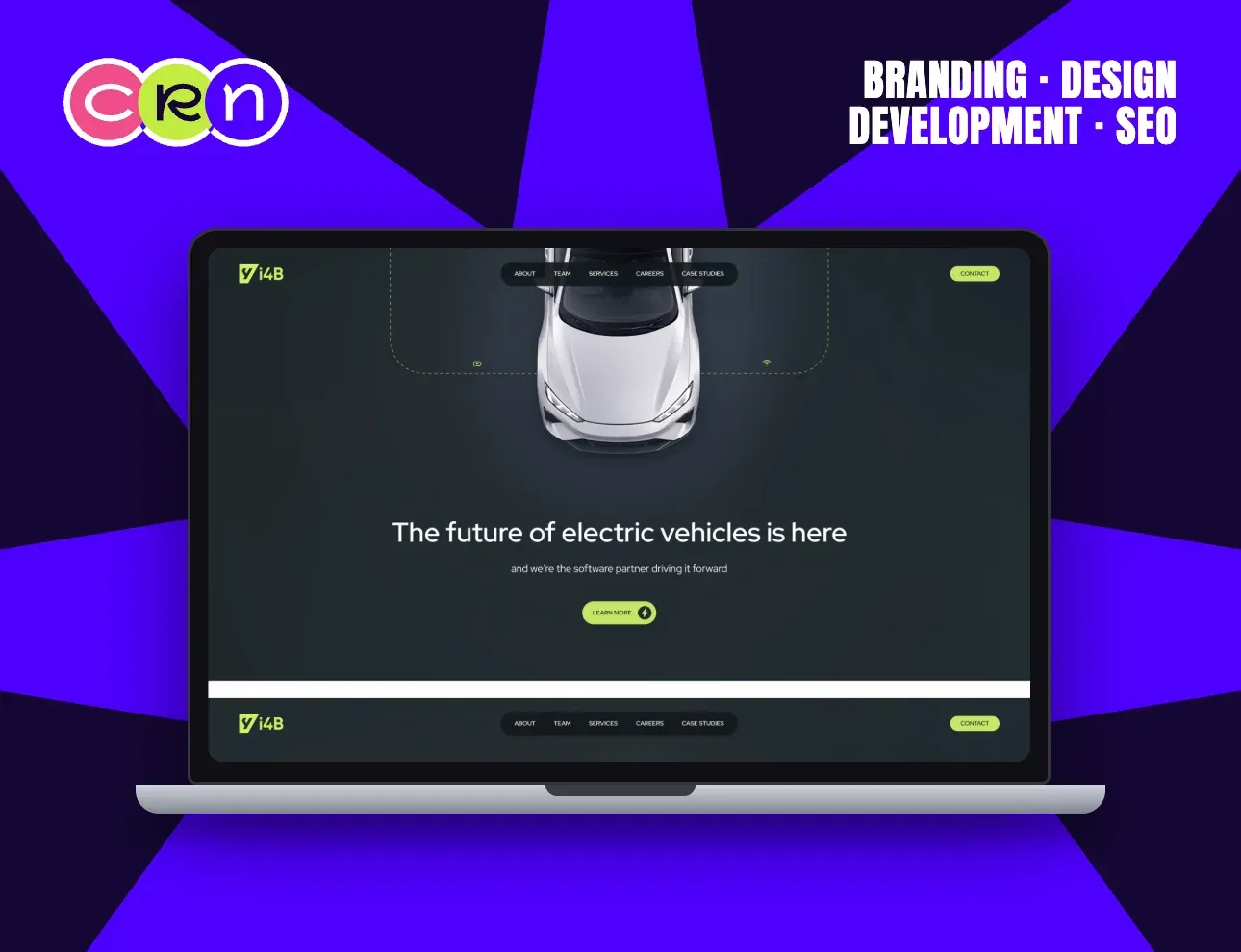
The middle path
Most companies that hit a ceiling do not need to abandon Webflow. They need a line drawn: Webflow for the marketing site, custom for the part that holds state, one domain across both, one shared design system so the seam is invisible.
The benefit is organisational as much as technical. Marketing keeps the keys to the pages that change weekly and stops queueing behind a deploy; engineering owns the part where correctness matters and stops being asked to move a button. The same line settles most build-or-buy questions about a CRM.
i4B sits firmly on the marketing side of that line. It is a software company for electric-vehicle manufacturers, the software is the product, and the site's job is to explain it and recruit the people who build it. Those are pages, not an application.
How to tell before you commit
Three questions. Does anyone log in? Does anything need to be true for one person and not another? Does a second system have to answer while the visitor waits? If the answer to all three is no, custom is usually vanity rather than architecture.
One yes usually still means Webflow, with an integration doing the work. Two or three means plan the split now, while it is a design decision rather than a migration with content already loaded into it. It is also the difference between two budget bands, so it belongs in the conversation before anyone quotes.
Asking these in week one costs an hour. Discovering them in month nine costs the timeline, and generally someone's credibility with their own board.
Questions we get asked
What are the main limitations of Webflow?
Four that matter: real user accounts with roles and permissions, data that belongs to an individual user, search and filtering across thousands of items, and being the live front end of another system that has to answer in real time. Most marketing sites never touch any of them.
When should I move from Webflow to Next.js?
When two of these are true: someone logs in, something has to be true for one person and not another, or a second system has to answer while the visitor waits. One of the three is usually still Webflow with an integration behind it.
Can Webflow and a custom app run on the same site?
Yes, and it is usually the right answer. Webflow keeps the marketing pages, the custom build takes the part that holds state, one domain covers both and one design system keeps the seam invisible. Marketing stops queueing behind a deploy, engineering stops being asked to move a button.